New! Version 0.8.1
About
You can download the sources it from Sourceforge or creating a maze online . The page Create-A-Maze shows you how it works. The parameters are explained here.
Maze 5 contains a standalone command line program for creating vector or bitmap maze files and a plugin for GIMP the GNU Image Manipulation Program.
http://www.gimp.org
Features
- arbitrary sized mazes
- different carving algorithms
- file formats: pdf, svg and png
- background & foreground colors
- adjustable line width
- entrance & exit markers
- optional drawing of solution path
- using bitmap as template
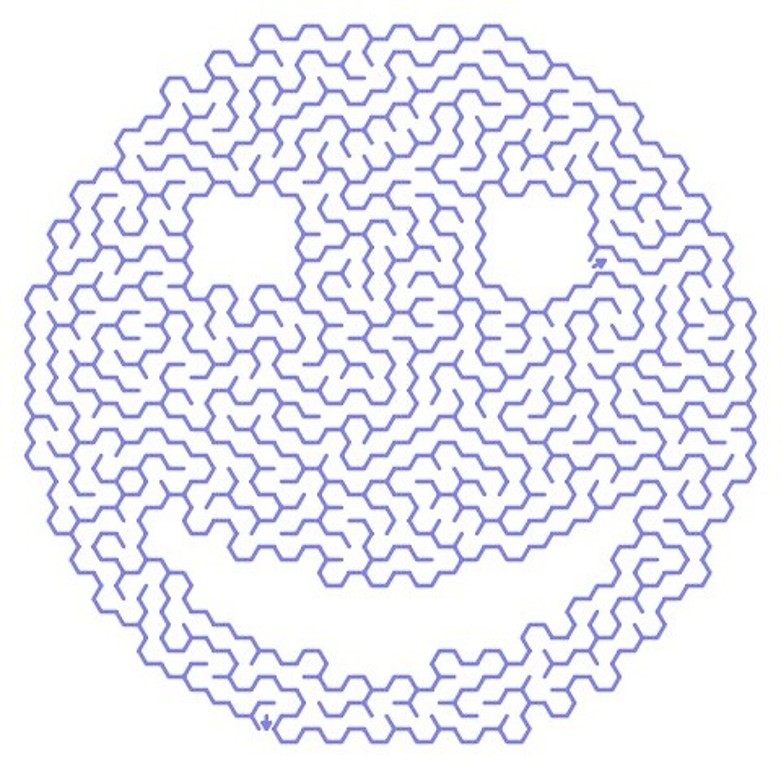
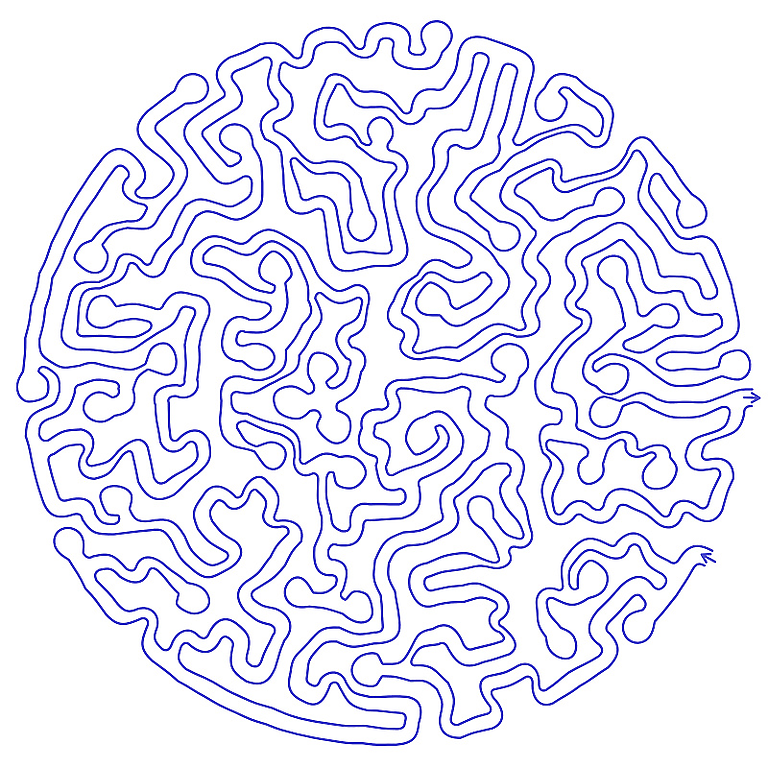
- 25 different maze types
Gallery
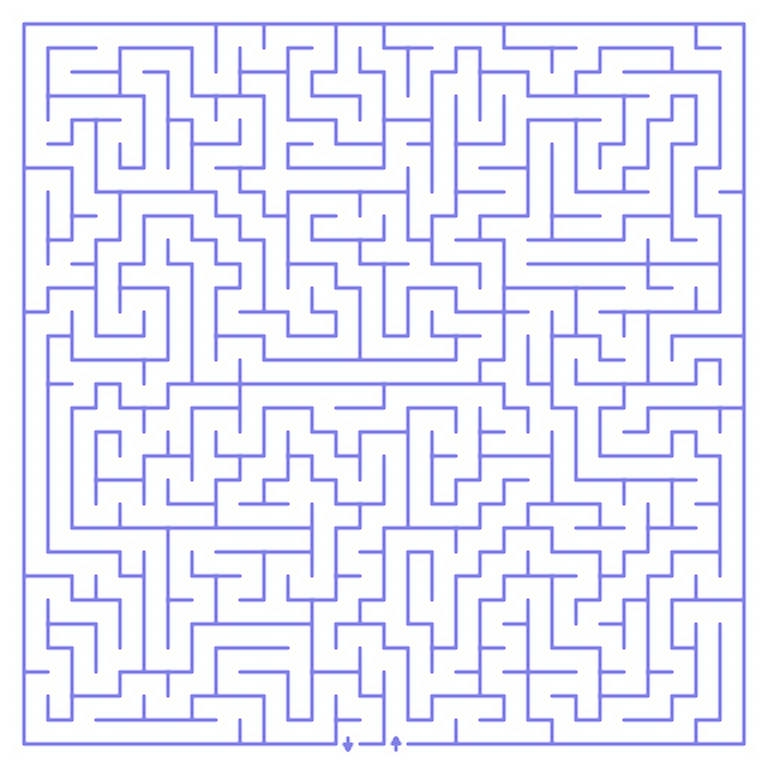
maze5 -r 30 -c 30 -t 4 -S 1 -o orthogonal.png
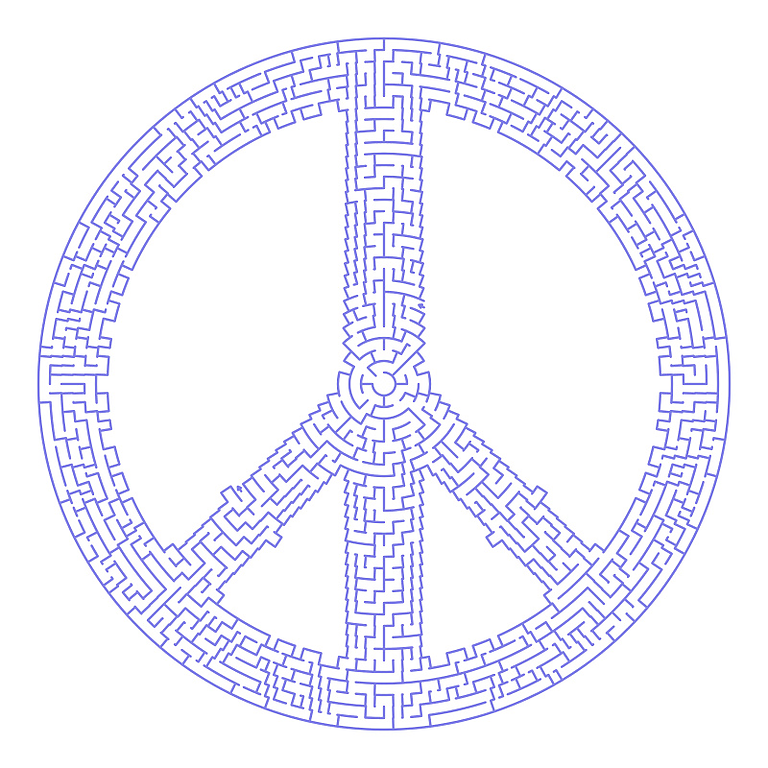
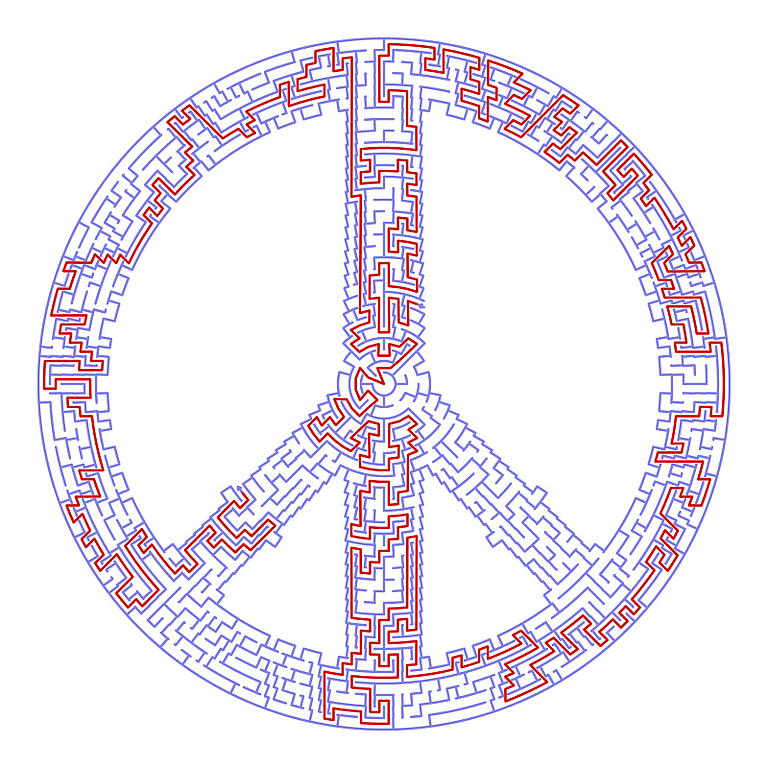
And with the theta maze type in the new version 0.8 you can do something like this:
maze5 -S 444 -C 12 -r 30 -c 8 -m peace-mask.png -t theta -o peace.png
and with the solution path:
maze5 -P -S 444 -C 12 -r 30 -c 8 -m peace-mask.png -t theta -o peace-solution.png
Build & Install
To build maze5 you need also an installed C compiler and the scons build system.
FAQ
Does maze5 run under Windows?
Is there a GUI interface?
maze5 is a command line program. If you need a GUI you have to use the GIMP plugin
or use the web frontend.


1. Comment by Lyle
1/Jan/2010 at 17:42
I have Ubuntu running as a VM in Win7. I want to thank you for this gem. You did a good job in you install file on how to create the GIMP plugin and, though I’m a fool, was able to follow everything in it to compile the plugin. Works great. I wish Windows would be as easy, but getting all the tools together in Windows is just too much a chore for me. Maybe someday, someone will compile you plugin for Windows GIMP. Also, don’t know how hard it would be to implement organic labyrinths with your algorithm, but that would be cool too. Check out the link below for what I’m talking about.
http://www.dgp.toronto.edu/~karan/maze/
2. Comment by mahvin
24/Apr/2011 at 11:07
Awesome, works great in Ubuntu. Thanks!
3. Comment by samj
24/Apr/2011 at 12:23
@ Lyle , plugin for Windows GIMP
http://aljacom.com/~gimp/maze5-0.7-i686.zip
4. Comment by Lyle
24/Apr/2011 at 17:32
Thanks samj; posted your gift to a few forums now. Thanks a heap.
5. Comment by mahvin
2/May/2011 at 07:28
Execution error for procedure ‘gimp-edit-stroke-vectors’:
Not enough points to stroke.
Getting that error, which I believe it means the maze paths/strokes have exceeded the image window? Not sure, just guessing.
6. Comment by mahvin
2/May/2011 at 07:33
I neglected to mention I upgraded to version .8 and the error occurs when tileable is toggled. Sorry, I didn’t intend to spam the comments.
7. Comment by Bernd
2/May/2011 at 07:40
Ok, I’ll check this later this day.
8. Comment by Bernd
2/May/2011 at 20:29
I just uploaded the version 0.8.1. It contains a bug fix for a problem in the gimp plugin, if the tileable option was turned on
9. Comment by TiborB95
8/Dec/2012 at 22:25
Hi,
I run into this problem when compiling under (Arch) Linux:
/usr/bin/ld: build/cairo.o: undefined reference to symbol ‘atan2@@GLIBC_2.0′
/usr/bin/ld: note: ‘atan2@@GLIBC_2.0′ is defined in DSO /usr/lib/libm.so.6 so try adding it to the linker command line
/usr/lib/libm.so.6: could not read symbols: Invalid operation
collect2: error: ld returned 1 exit status
Can you please advice what can I do, thanks!
(It is v 0.8.1)
10. Comment by Bernd
9/Dec/2012 at 15:40
Hi Tibor!
It seems that this is a ArchLinux specific problem:
I found this:
http://archlinuxarm.org/forum/viewtopic.php?f=31&t=3839
I hope you can fix your problem.
Best regards,
Bernd.
11. Comment by TiborB95
9/Dec/2012 at 22:48
Yes, obviously it is arch linux problem…
In fact I run into similar problems before and used to fix it with
LDFLAGS=”$LDFLAGS -lm”
and then compile with gimptool-2.0. However it does not work here.
Though when I add ‘-lm’ manually to the end of gcc command, it goes without any output (not either errors).
So in case anybody know how to fix it…